
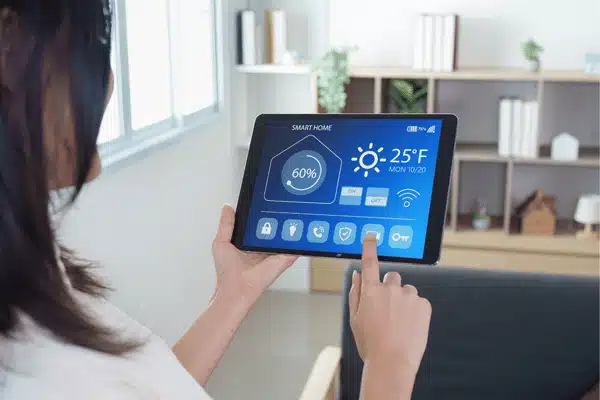
Wireless house intercom systems have progressed tremendously in recent years. They’re no longer just buzzers on the wall. Today, they can connect your complete house, answer your door remotely, and interact with your smart home system. Whether you want improved security or smoother family communication, the correct intercom home solution simplifies your daily life.
Table of Contents
- Why Go Wireless?
- Types of Wireless Home Intercom Systems
- Key Features to Look For
- How to Choose the Right Wireless Home Intercom System
- When to Hire a Home Automation Installer
- Budget Guide: What to Expect
Why Go Wireless?
Wired systems require cables through your walls. That’s costly and messy, especially in existing homes. Wireless systems skip all of that; most units plug into an outlet or run on batteries.
Here’s what you gain:
- Easy installation eliminates the need for drilling holes in walls or running cables.
- Each unit can be moved wherever it is needed due to its flexible setup.
- Scalable systems allow for the easy addition of additional stations in the future.
- Remote access allows you to answer your door from your phone, even when you are not present.
- Many systems are smart home compatible, which means they can operate with Alexa, Google, or your home security system.
According to Resolutions AV (Dec 2025), homeowners rank security and convenience as the top two reasons they install an intercom home system.
Types of Wireless Home Intercom Systems
Not all intercom systems for homes are built the same. Here are the main types:
Audio-Only Intercoms
Simple, affordable, and effective. Units plug into wall outlets and connect via radio frequency; no Wi-Fi is needed. Brands like Wuloo and Hosmart offer multi-unit packs with ranges up to one mile. Great for room-to-room communication in smaller homes.
Video Intercoms and Smart Doorbells
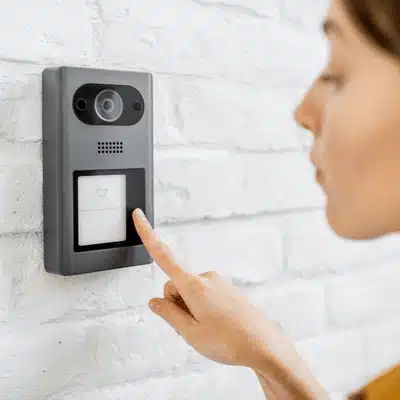
Add a camera, and you can see who’s at the door before opening it. Most include night vision, motion alerts, and two-way audio. Per Bob Vila (Sep 2025), most modern doorbells now include two-way communication, effectively serving as video intercom systems.
Smart Speaker Intercoms
Amazon Echo and Google Nest devices double as intercoms. Features like “Drop In” or “Broadcast” let you call any room by voice. A smart pick if you already own these devices.
Long-Range Radio Intercoms
Made for large homes, farms, or gated driveways. They do not rely on Wi-Fi and instead use specific radio frequencies. In open terrain, the Wuloo WL-666 may cover up to one mile, making it perfect for a main house and a detached garage or guest cottage.
Key Features to Look For
Before you buy, compare these across wireless home intercom systems:
- Two-way audio: Look for full-duplex so both sides can speak at once.
- Video quality: For door units, aim for 1080p with a wide-angle lens and night vision.
- Smartphone app: Remote access from your phone adds major convenience.
- Range: Standard homes need 500–1,000 ft. Large properties may need more.
- Power source: Plug-in units stay on always. Battery units offer more placement options.
- Smart home integration: Check for Alexa, Google, or Apple HomeKit support.
- Number of stations: Cover every key area, bedroom, kitchen, front door, and garage.
How to Choose the Right Wireless Home Intercom System
Step 1: Define your main goal
Do you want room-to-room talk, front door security, or full smart home control?
Step 2: Match the system type
Choose audio-only for simple communication, video for door monitoring, smart speaker intercoms for homes already using Alexa or Google, and long-range radio for large properties.
Step 3: Check your home layout
Small homes may only need a few plug-in units. Larger or multi-story homes need stronger range and more stations.
Step 4: Decide if you need Wi-Fi features
If you want mobile app access, notifications, and remote answering, select a Wi-Fi-enabled video system. Radio-based audio systems are ideal for a basic configuration that does not require internet access.
Step 5: Set a budget.
Before comparing products, use the pricing tiers to limit down to the appropriate level.
Step 6: Decide if installation is DIY or professional
If you need gate access, in-wall panels, or smart home integration, hire a pro.
Want simple family communication? Choose audio-only. Want to see visitors? Choose video. Want whole-home control? Choose a professionally integrated system.
When to Hire a Home Automation Installer
Many wireless home intercom systems are DIY-friendly. But some setups call for a professional home automation installer.
Consider hiring one if you need:
- Integration with a smart home platform like Control4
- A video intercom wired to a gate or electric door strike
- Whole-home audio tied to your intercom system
- In-wall touchscreen stations with a custom layout
- Reliable coverage across a large or multi-story property
A qualified home automation installer ensures that all units function properly. They take care of placement, network configuration, and device integration. The end product appears to be integrated rather than piecemeal.
Budget Guide: What to Expect
Good news: intercom systems for the home cover every price range.
| Price Range | What You Get | Best For |
| Under $100 | Basic audio kit with 2 to 4 units. Adequate for simple room-to-room communication and works right out of the box. | Basic home communication |
| $100 to $300 | Video doorbell or 3- to 4-station audio system. Adds door security and helps with daily family coordination. | Entry-level security and family use |
| $300 to $700 | Comprehensive video intercom solution with indoor monitor and smartphone app. Includes remote access and reliable whole-house coverage. | Full-home video intercom needs |
| Above $700 | Fully integrated smart home solution. Usually works best with professional installation and gives the most control across the house. | Advanced smart home integration |
Start with what you actually need. A mid-range system hits the sweet spot for most homes.
Do wireless home intercom systems work without Wi-Fi?
Many do. Audio-only systems use radio frequency to connect units directly. However, video intercoms with app access and smart home features do require Wi-Fi.
How many stations do I need for a typical home?
Most households start with three to four units, front door, a kitchen, and one or two bedrooms. You can add more if your system supports it.
Can I answer my front door from my phone?
Yes, if your intercom home system includes a smartphone app. Most modern video intercoms let you see and talk to visitors from anywhere with an internet connection.
Are wireless intercom systems secure from hacking?
Reputable brands use encrypted connections to protect your data. Keep firmware updated and use a strong Wi-Fi password to stay protected.
Do I need a home automation installer for a wireless intercom?
Not always. Simple systems are easy to self-install. But for gate connections, security panel integration, or whole-home audio, a home automation installer is the smarter call.
What’s the best intercom for a large property?
Long-range radio intercoms work best. The Wuloo WL-666 covers up to 1 mile in open conditions and is suitable for ranches, farms, or homes with detached structures.
The best intercom system is the one built for your home and how you live. Since 2009, Custom Integrators has served Central Texas with qualified specialists and 150+ years of combined team experience designing and installing custom audio and video intercom systems.
Skip the guesswork and book your free estimate with Custom Integrators. Get a custom intercom system designed and installed for your space, whether you need room-to-room audio, front door video, mobile access, or full smart home integration.